1.helloworld
安装Rust
$ curl --proto '=https' --tlsv1.2 https://sh.rustup.rs -sSf | sh
所有内容都在这里: ~/.cargo/bin
➜  helloworld git:(main) ✗ ls ~/.cargo/bin
cargo         cargo-expand  cargo-miri    rls           rust-gdbgui   rustc         rustfmt
cargo-clippy  cargo-fmt     clippy-driver rust-gdb      rust-lldb     rustdoc       rustup
工具链介绍
- rustc:编译器
- rustup:升级工具
- rustup doc查看文档
- cargo:包管理工具
安装vscode插件
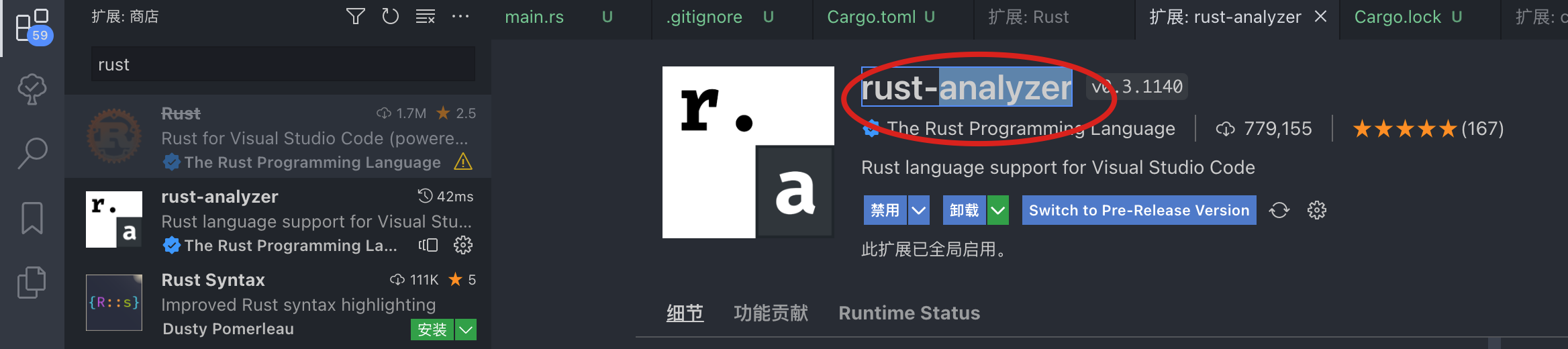
- rust-analyzer:最重要的rust解析插件
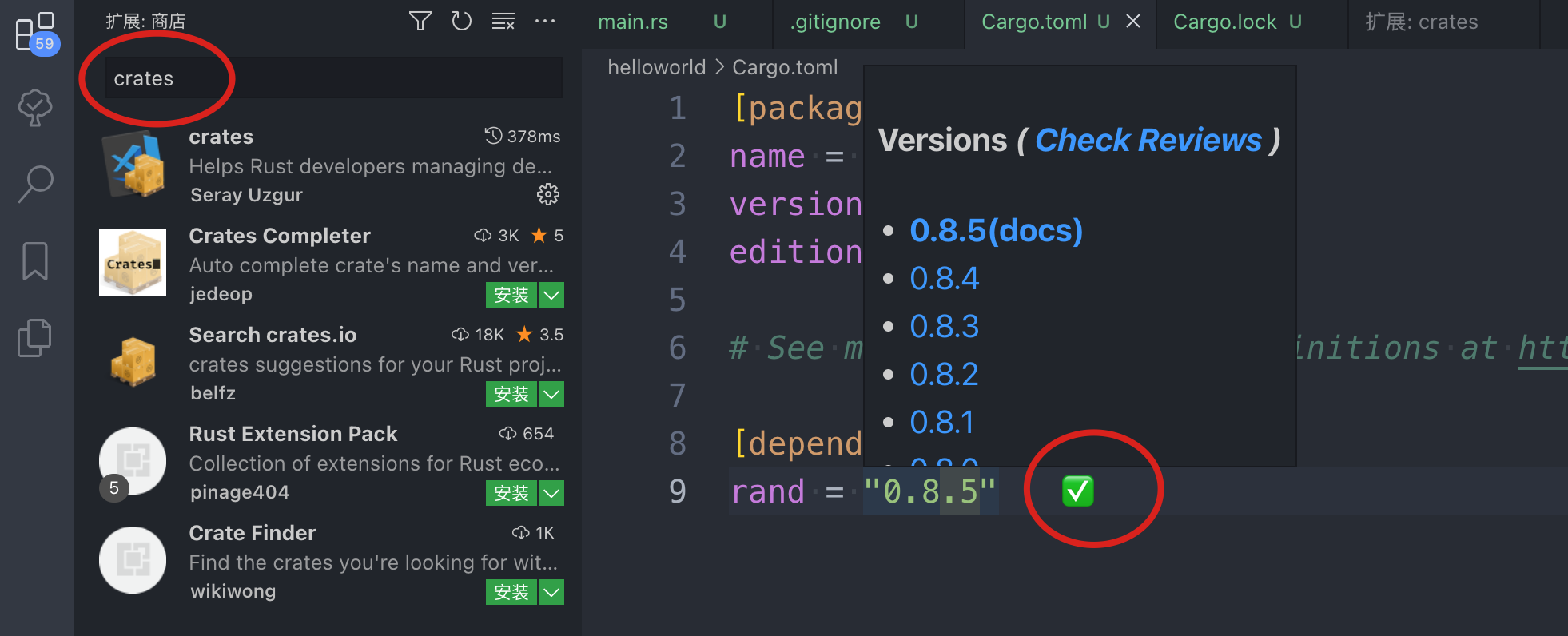
- crates:用于展示插件的子版本,从而进行灵活选择
HelloWorld
创建工程:
cargo new helloworld
此时会自动创建工程结构,目录结构展示如下:

其中:
- main.rs是源文件
- Cargo.toml是配置文件,进行包管理工作,我们手动增加了一个rand包:rand = "0.8.5"
[package]
name = "helloworld"
version = "0.1.0"
edition = "2021"

# See more keys and their definitions at https://doc.rust-lang.org/cargo/reference/manifest.html

[dependencies]
rand = "0.8.5"  // <== 手动增加的
编译&运行
回到src同级目录,执行命令进行编译:
cargo build
运行:
cargo run
此时仅执行文件,但是不会编译出二进制文件:

生成bin
编译:
rustc src/main.rs

执行:./main

其他
拓展待研究
rust toolchain list